
AI transition video
Start and end frame AI video: Veo 3.1 fills the move between

Drop in two pictures, pick how one should become the other, and get an 8-second clip with sound that starts on your first frame and lands on your last.
Veo4-AI.xyz is independent and not affiliated with Google. Veo 3.1 is a trademark of its owner; Veo 4 is not released.
Quick drafts and everyday transitions in 720p or 1080p.
78 credits for 8 seconds with sound
New accounts get 78 free credits: one 720p Lite transition.
Eight moves
Every move, rendered from a real pair
Each clip below was made the way the studio makes yours: the two frames shown, the move's own guidance, Veo 3.1 Lite at 720p. Pick a move, or write your own note.
MorphCup to succulent

Start frame 
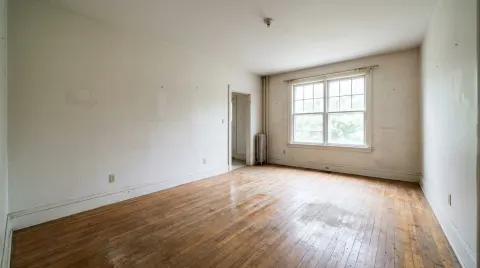
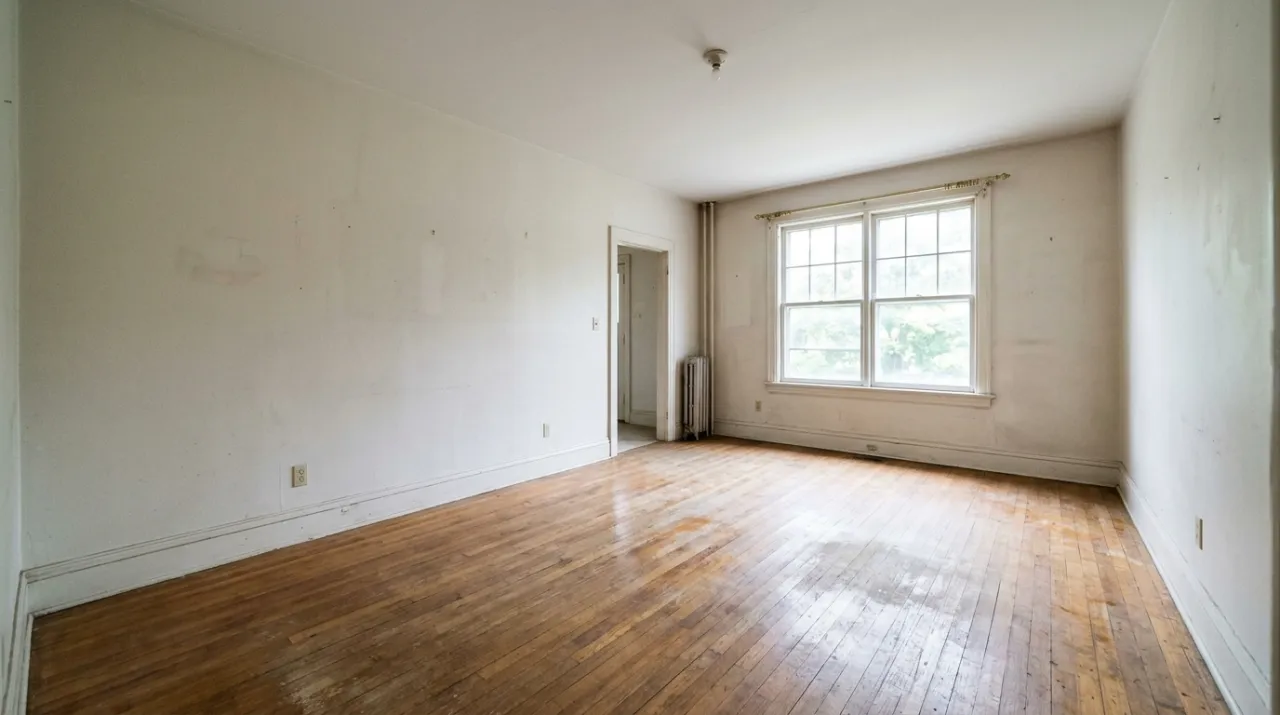
End frame Morph · 8s · 720pBefore → afterRoom renovation
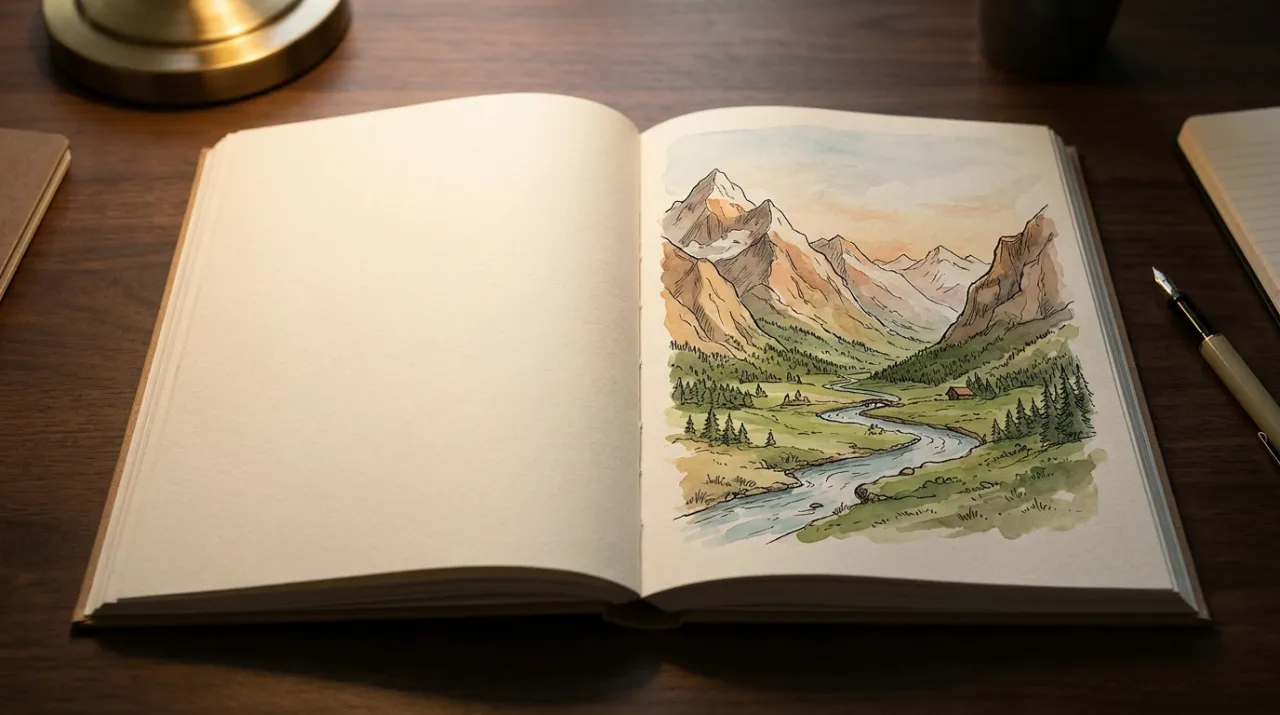
Start frame End frame Before → after · 8s · 720pFly throughInto the book
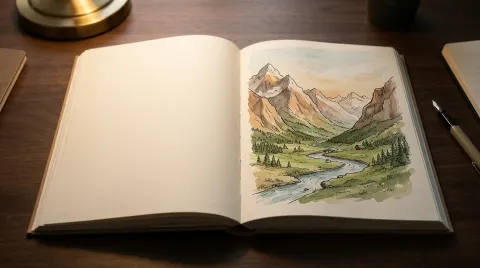
Start frame 
End frame Fly through · 8s · 720pZoom outDroplet to greenhouse

Start frame 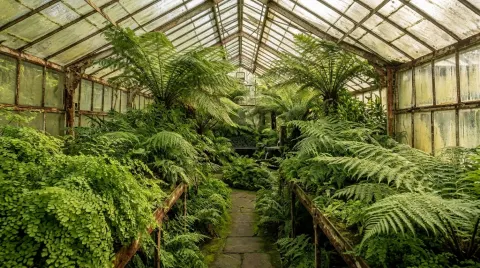
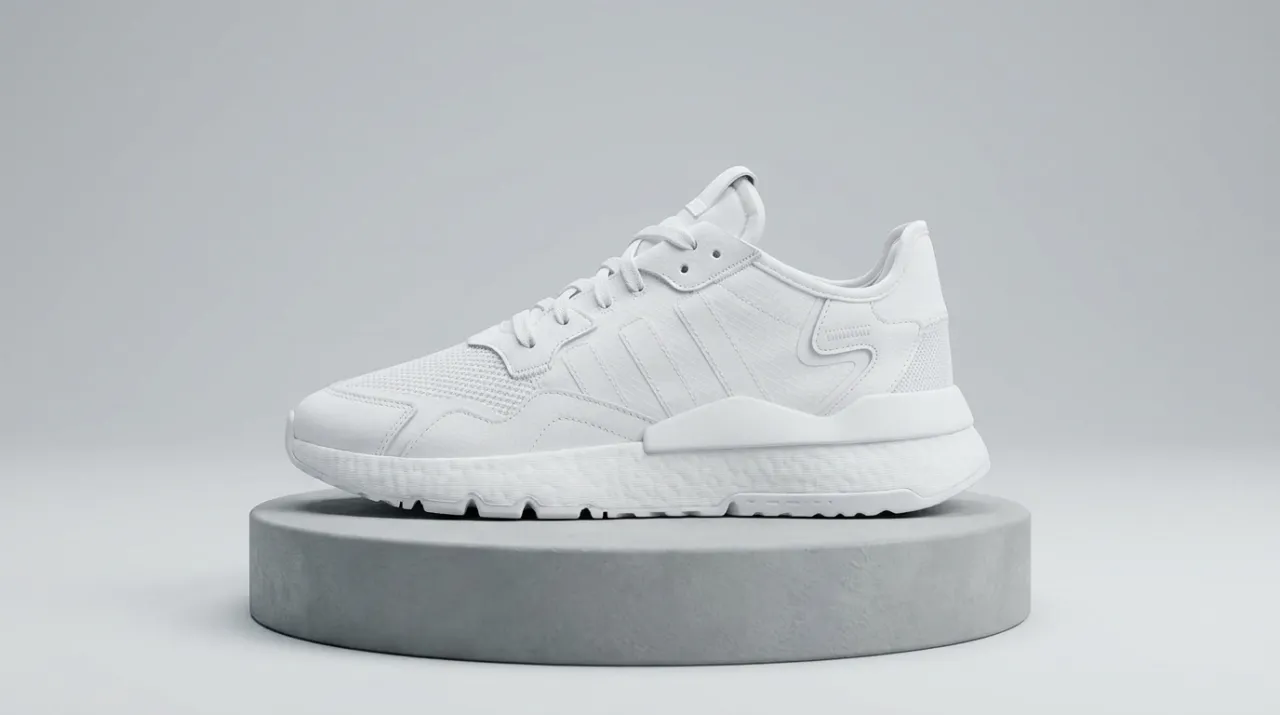
End frame Zoom out · 8s · 720pOrbitSneaker colourway
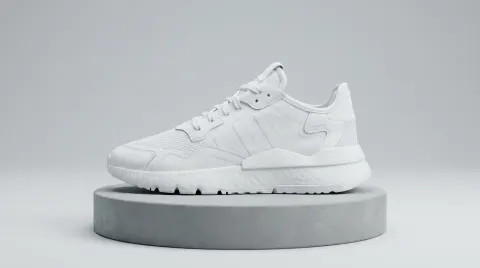
Start frame 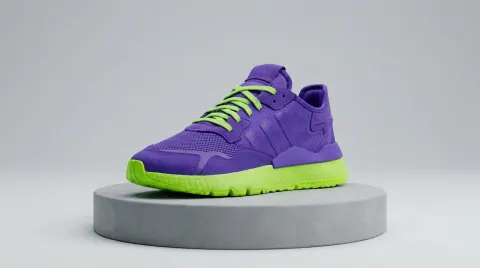
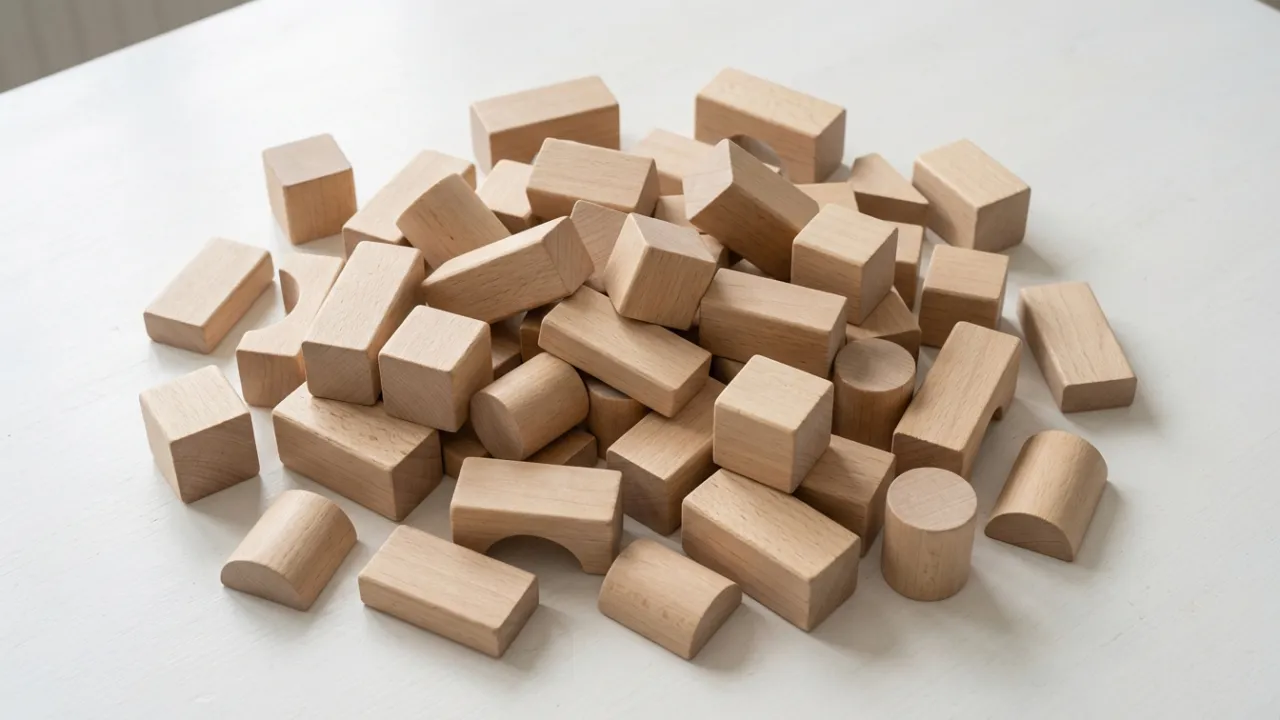
End frame Orbit · 8s · 720pBuild upBlocks to house
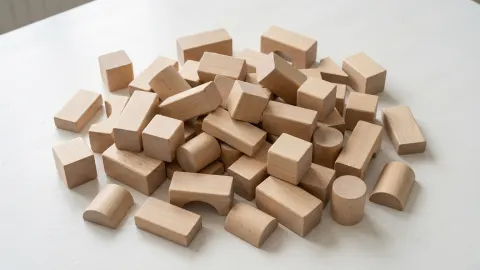
Start frame 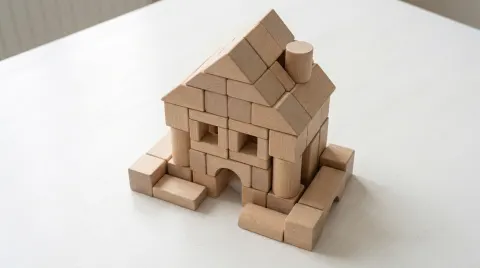
End frame Build up · 8s · 720pDay to nightCabin, day to night

Start frame 
End frame Day to night · 8s · 720pLogo to sceneLogo to skyline
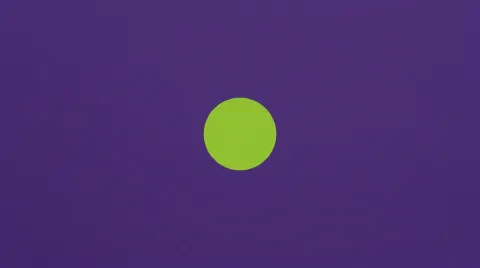
Start frame 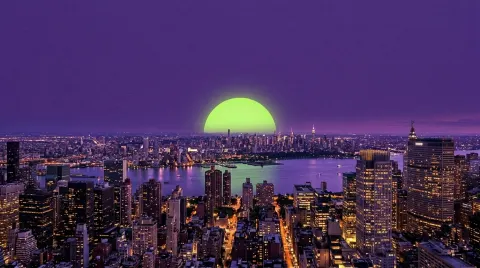
End frame Logo to scene · 8s · 720p



Two frames, one move, eight seconds
- 01
Add a start and an end frame
Upload two different pictures. Fit or Fill shows how each one sits in 16:9 or 9:16 before anything is uploaded.
- 02
Pick the move
Morph, before → after, fly through, zoom out, orbit, build up, day to night or logo to scene. Add a note if you want more control.
- 03
Download, or keep going
Get the MP4 and both frames. Continue from the end frame to chain the next transition, then join the chain into one video.
Three quality tiers
Every transition is one 8-second Veo 3.1 clip with sound. The tier sets the detail and the price; the credits are shown before you render.
| Tier | Credits | Good for |
|---|---|---|
| Lite (720p · 1080p) | 78 · 91 | Drafts, social posts and trying a pair. |
| Fast (1080p) | 168 | Sharper motion for client work. |
| Quality (1080p) | 654 | The finest texture, for the cut you will publish. |
Longer than 8 seconds? Chain them
After a transition, press Continue from the end frame: that picture becomes the next start frame, so the next clip picks up exactly where the last one stopped.
When the chain is done, join it into one video right in your browser. Nothing is re-rendered and no extra credits are spent.
- A
- B
- C
- D
Four frames, three transitions, one joined video.
Guides to the technique
- AI transition videoTurn two pictures into one 8-second move: morphs, reveals, fly-throughs and logo-to-scene openers.
- Veo 3 image to videoVeo 3.1 first-and-last-frame video: three quality tiers, 720p or 1080p, 8 seconds with sound.
- First and last frame AI videoHow to pick, frame and match two pictures so the AI move between them looks smooth.
Pricing
Credit packs for transitions
New accounts get 78 free credits. The cheapest 8-second transition costs 78. Packs are paid once and never expire.
One-time purchase · No expiry · 14-day money-back guarantee
Free
78credits
Once, after email verification
Makes one 720p Lite transition
Start free- Lite, Fast and Quality tiers
- 720p and 1080p
- Chaining and one joined download
- Not included: Credits never expire
- No watermark
- Not included: Two renders at once
Motion Library
9,133credits
$48.99 one-time
- ≈ 117 Lite 720p transitions
- ≈ 54 Fast 1080p transitions
- ≈ 13 Quality 1080p transitions
Packs open soon.
- Lite, Fast and Quality tiers
- 720p and 1080p
- Chaining and one joined download
- Credits never expire
- No watermark
- Two renders at once
Studio Vault
18,983credits
$98.95 one-time
- ≈ 243 Lite 720p transitions
- ≈ 112 Fast 1080p transitions
- ≈ 29 Quality 1080p transitions
Packs open soon.
- Lite, Fast and Quality tiers
- 720p and 1080p
- Chaining and one joined download
- Credits never expire
- No watermark
- Two renders at once
Per 8-second transition: Lite 720p 78 credits, Fast 1080p 168, Quality 1080p 654.
A pack is refundable within 14 days while no more than 10% of its credits are used; the unused part is refunded.
A transition that fails to render puts its credits back on your balance.
See where the credits go: AI transition video · Veo 3 image to video · First and last frame AI video · common questions
Questions
What is a start and end frame AI video?
A clip that begins on one picture you choose and ends on another. You fix both ends; Veo 3.1 invents the 8 seconds of motion in between, so the result lands exactly where you planned.
How is this different from image to video?
Image to video starts from one picture and guesses where to go. Here the end is fixed too, which is what you need for reveals, before-and-after, logo-to-scene and matched cuts.
Which moves can I pick?
Morph, before → after, fly through, zoom out, orbit, build up, day to night and logo to scene, or your own motion note. Each move adds its own guidance to the prompt.
What does a transition cost?
Lite 720p costs 78 credits, Fast 1080p 168 and Quality 1080p 654. The exact number is under the button before you render.
Can I try it for free?
Yes. New accounts get 78 free credits once, after verifying their email: one 720p Lite transition.
Can I use photos of people?
Only your own photos or ones you have permission for, with the consent of anyone shown. Minors and public figures are refused, and both frames are checked before any credits are spent.
Can I make a video longer than 8 seconds?
Yes, by chaining: each new transition starts on the last end frame, and the chain joins into one video in your browser.
Do I lose credits when a transition fails?
The credits return to your balance automatically. Your transitions are private to your account.