
Veo 3 image to video with a first and a last frame
Most Veo 3 image to video tools take one picture and let the model decide where the clip goes. Veo4-AI.xyz uses Veo 3.1 in first-and-last-frame mode instead: you give it the picture the clip starts on and the picture it must end on, and it renders the 8 seconds between them, with sound. Pick Lite, Fast or Quality depending on how the clip will be used.
Quick drafts and everyday transitions in 720p or 1080p.
78 credits for 8 seconds with sound
New accounts get 78 free credits: one 720p Lite transition.
Examples from real renders
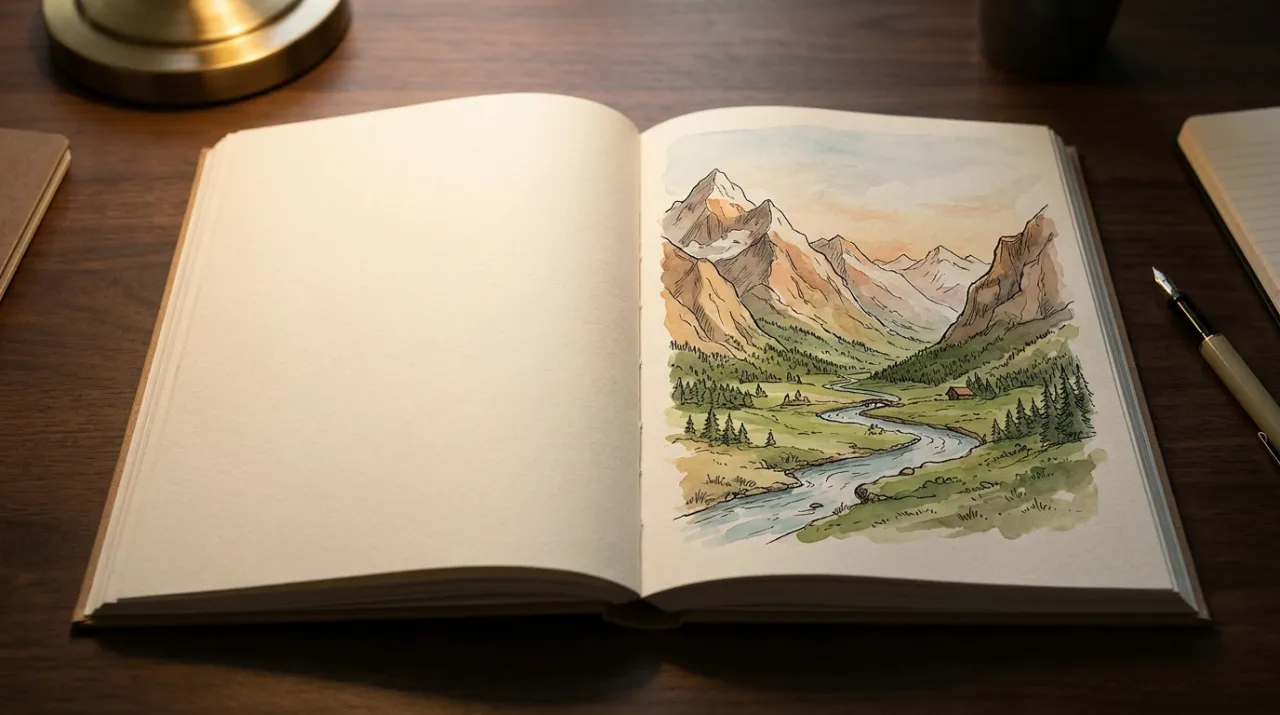
Fly throughInto the book
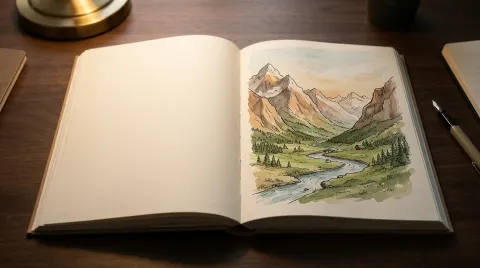
Start frame 
End frame Fly through · 8s · 720pMorphCup to succulent

Start frame 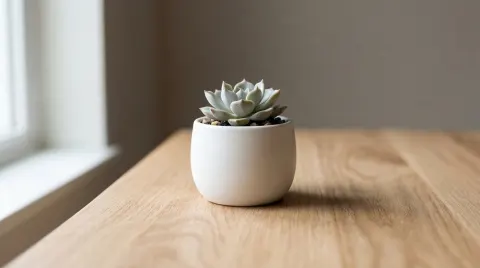
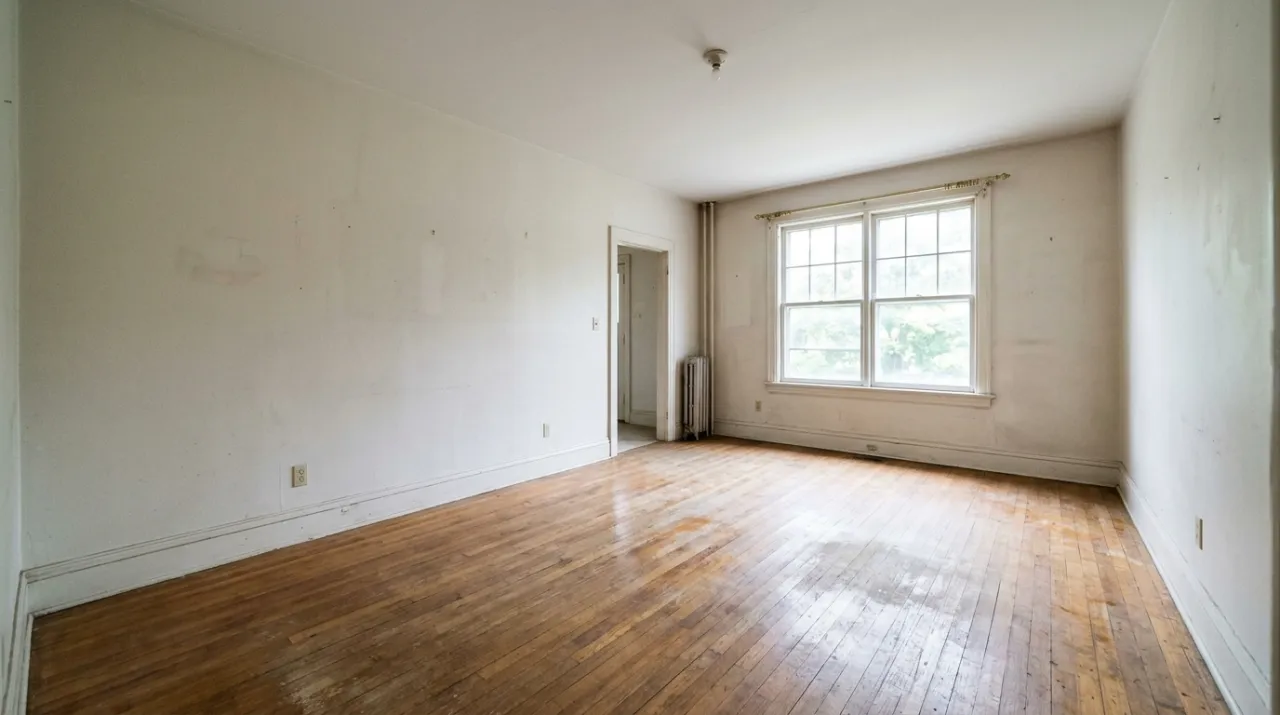
End frame Morph · 8s · 720pBefore → afterRoom renovation
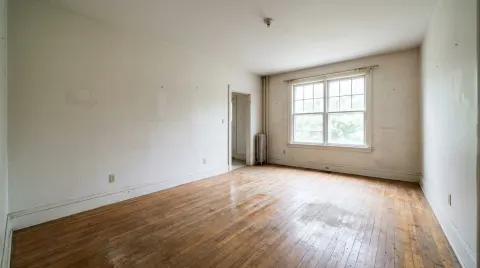
Start frame 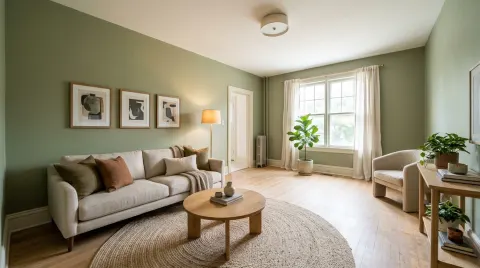
End frame Before → after · 8s · 720p

How to do it
- 1
Choose the shape
Pick 16:9 or 9:16 first, so the fit and fill preview matches the clip you will get.
- 2
Add the first and last frame
Upload two different pictures. Check the preview and switch between Fit and Fill until both look right.
- 3
Pick a tier and a move
Start on Lite to test the pair. Choose a move or write a note, then render.
- 4
Render the final
When the pair works, render it again on Fast or Quality and download the MP4 with both frames.
One picture versus two
Classic image to video AI animates a single picture: the start is yours, but the ending is the model’s guess. With a first and a last frame, both ends are fixed. Veo 3.1 has to work out a believable path between them, which makes it useful for reveals, product changes and scene changes where the result has to land somewhere specific.
You can still steer the middle. Pick a move such as Fly through or Orbit, or write a short motion note.
The three tiers
Lite renders 720p or 1080p and is the quickest and cheapest way to try a pair: 78 credits at 720p, 91 at 1080p. Fast renders 1080p with sharper motion and detail for 168 credits. Quality renders 1080p with the finest motion and texture for 654 credits, for the version you will publish.
A sensible pattern is to try a pair on Lite, adjust the frames or the note, then render the final on Fast or Quality.
What to expect from a clip
Every render is one continuous 8-second shot in 16:9 or 9:16, with sound generated along with the picture. The first frame matches your start picture and the last frame matches your end picture. Faces, hands and small text in the middle of a move can drift, and very different pairs may cut more abruptly than similar ones. There is no text-only mode: every clip needs both frames.
Getting both frames to fit
Veo 3.1 renders landscape or portrait, so both frames must share that shape. The studio fits each picture before upload. Fill crops from the centre so nothing is letterboxed; Fit keeps the whole picture and fills the edges with a soft blurred copy. The preview shows exactly what Veo 3.1 receives.
Credits and packs
New accounts get 78 free credits once after verifying their email, which covers one Lite 720p transition. After that, credits come in one-time packs that never expire: Motion Library at $48.99 for 9,133 credits, or Studio Vault at $98.95 for 18,983 credits. If a render fails, its credits come back automatically.
More on two-frame video
- AI transition videoTurn two pictures into one 8-second move: morphs, reveals, fly-throughs and logo-to-scene openers.
- First and last frame AI videoHow to pick, frame and match two pictures so the AI move between them looks smooth.
- Credits and packsWhat each tier costs per transition, and how many clips a pack makes.
- Questions and answersShapes, consent for photos of people, failed renders and refunds.
Questions
Is this the same as Veo 3 image to video?
It uses Veo 3.1, the newer version, in first-and-last-frame mode. Instead of one picture and a guessed ending, you give it the start and the end, and it renders the move between them.
Which Veo 3.1 tier should I use?
Lite for drafts and everyday clips (78 credits at 720p, 91 at 1080p), Fast for sharper 1080p (168 credits), Quality for the finest 1080p (654 credits).
Does the clip have sound?
Yes. Veo 3.1 generates sound with the picture in every 8-second clip.
Is Veo 4 available here?
No. Veo4-AI.xyz is independent and not affiliated with Google. Veo 3.1 is a trademark of its owner; Veo 4 is not released. The studio runs Veo 3.1.
Can I make 4K or longer clips?
Not in one render. Clips are 720p or 1080p and 8 seconds long. For longer videos, chain transitions from end frame to start frame and join them in your browser.
Can I upload photos of people?
Only photos you own or have permission to use, of people who agreed. Minors and public figures are refused, and both frames are screened before any charge.